When L3 Isn’t Available: Keeping Dell EMC Tickets Moving Without Waiting for an Expert

Challenge
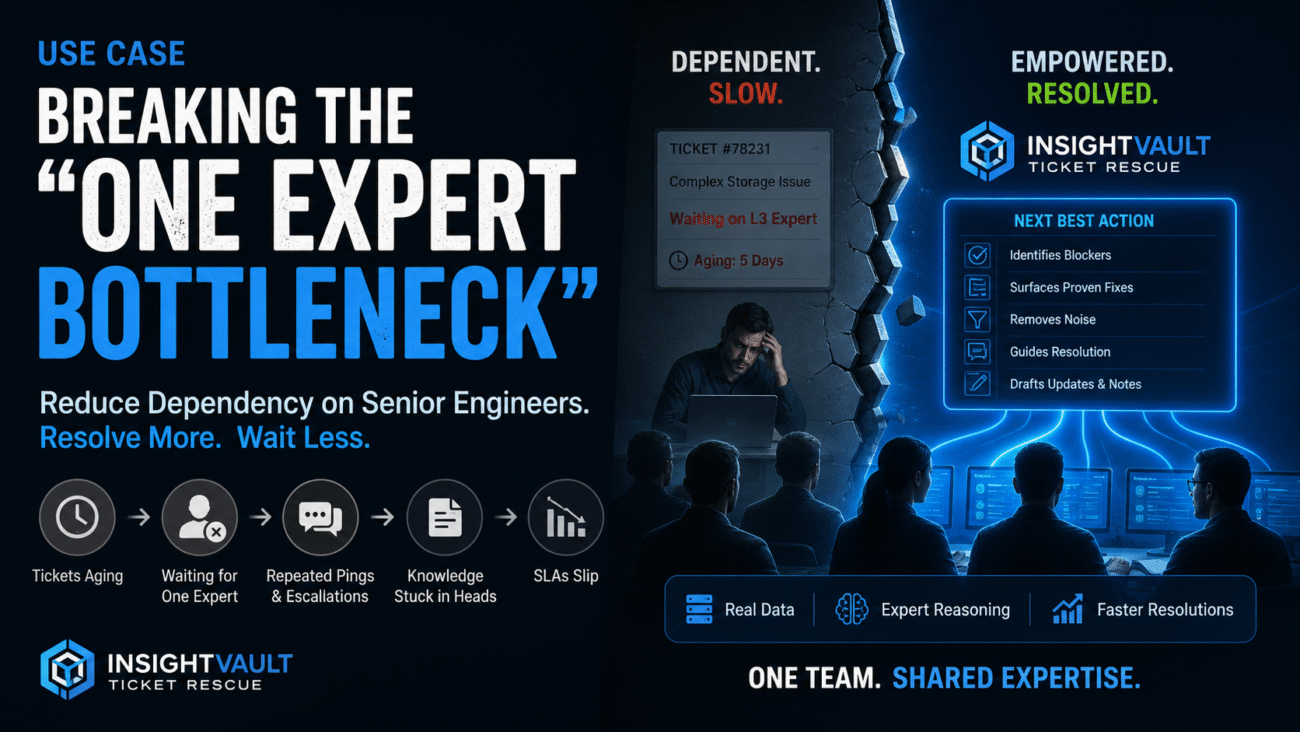
In many data center teams, the ticket does not really stall because the issue is impossible. It stalls because the next step lives in the head of an L3 expert who is busy, offline, or pulled into something else. An L1 or L2 engineer has already collected logs, checked alerts, reviewed the case notes, and maybe even tried the obvious fixes. But once the case reaches a certain point, progress stops. The team is left waiting for someone with deeper Dell EMC experience to confirm what the real blocker is, what data still matters, and what should happen next.
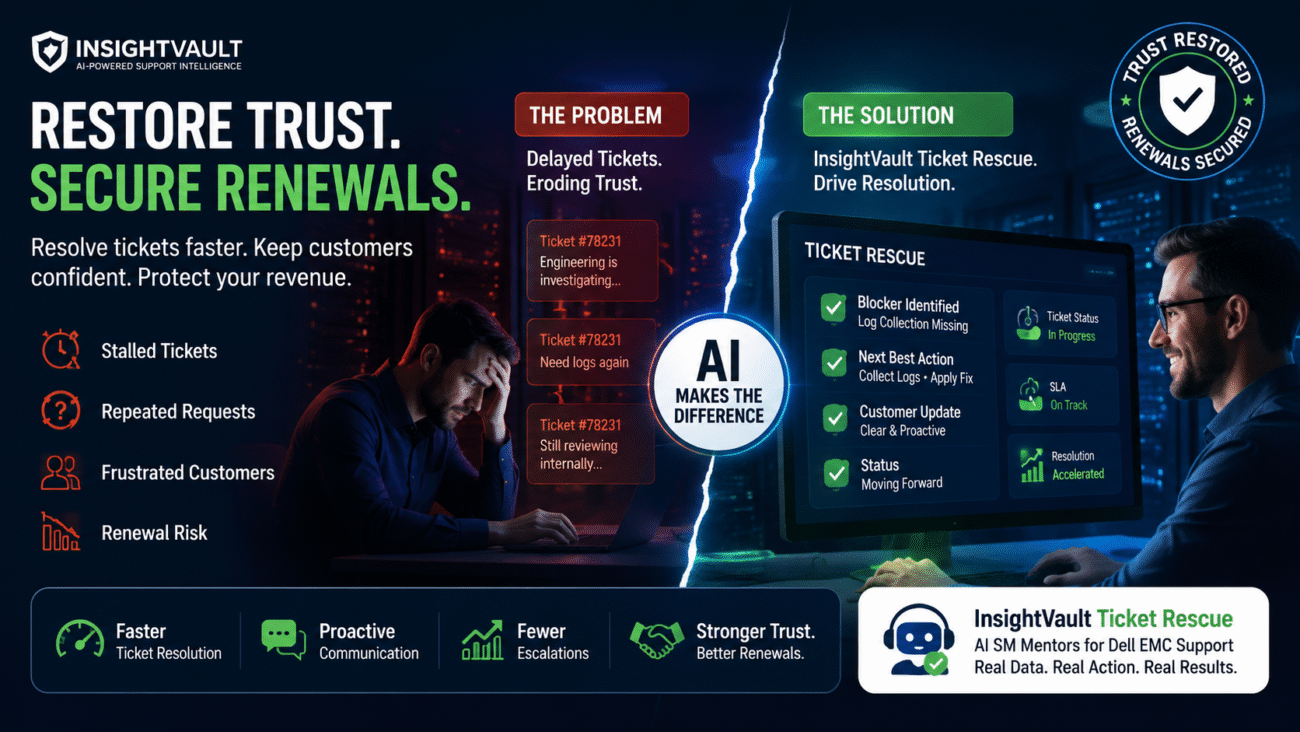
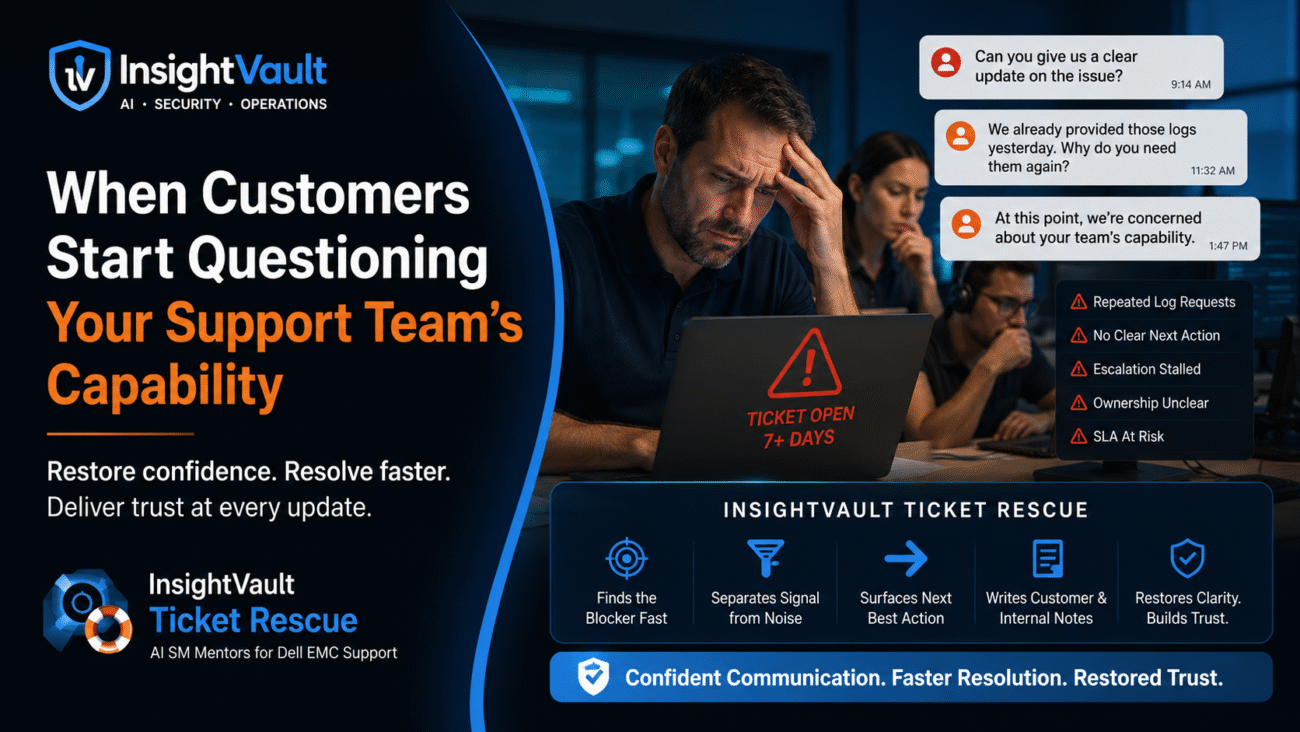
This creates a familiar pattern. Tickets sit in queue waiting for L3 input. Engineers keep adding follow-up notes without moving the case forward. The customer asks for updates, but the internal team still does not know whether the delay is caused by missing logs, a parts issue, a known storage behavior, a workflow gap, or a simple escalation miss. Time is lost in repeated handoffs, repeated requests, and repeated review of the same notes. Resolution slows down, downtime risk grows, and frustration builds across support, operations, and customer teams.
Solution
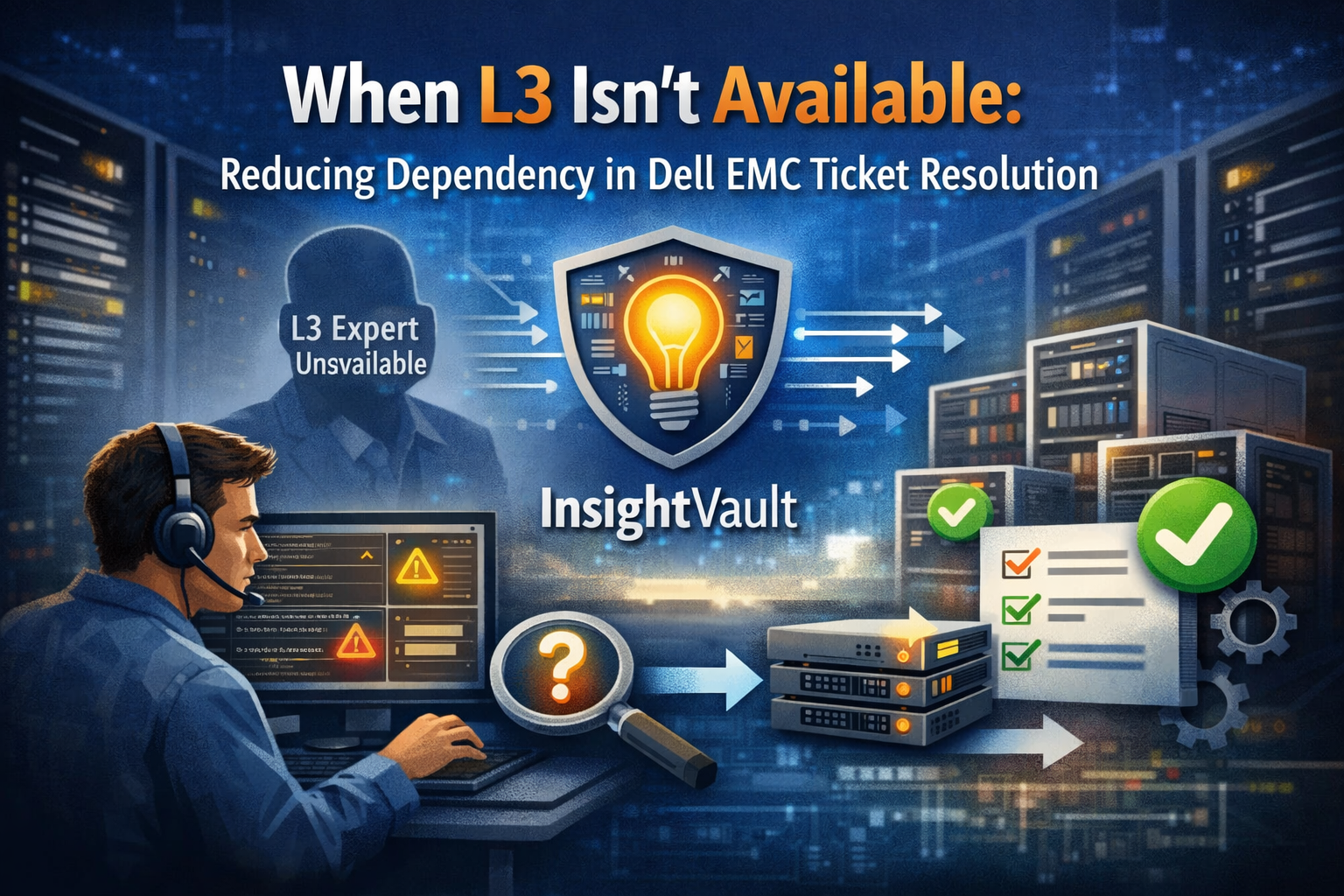
InsightVault Ticket Rescue reduces the day-to-day dependency on L3 experts by helping L1 and L2 teams move stalled Dell EMC workflows forward with clearer next actions. Instead of waiting for an expert to read the full ticket trail and decide what matters, engineers get a focused view of the blocker, the missing step, and the most likely path to resolution.
This helps teams make faster decisions, avoid unnecessary back-and-forth, and keep critical tickets moving even when L3 is not immediately available. Engineers can troubleshoot with more confidence, customer updates become clearer, and escalations happen with better context. The result is quicker resolution, less idle time inside the ticket, and fewer cases stuck in limbo.
How It’s Done in InsightVault
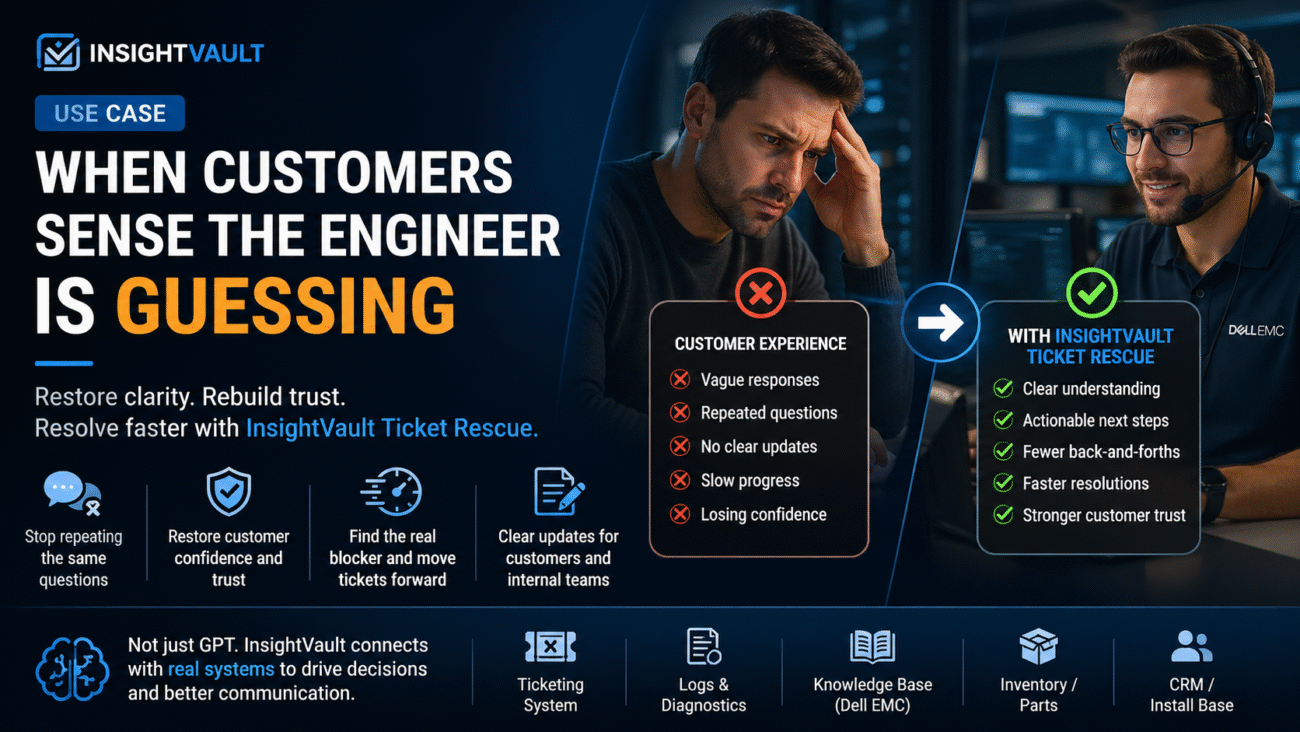
InsightVault Ticket Rescue is built for the real support flow around stalled Dell EMC cases. It does not just read a conversation and give a summary. A normal GPT can help restate the issue or rewrite notes, but it usually stops there. It works mostly from the text placed in front of it.
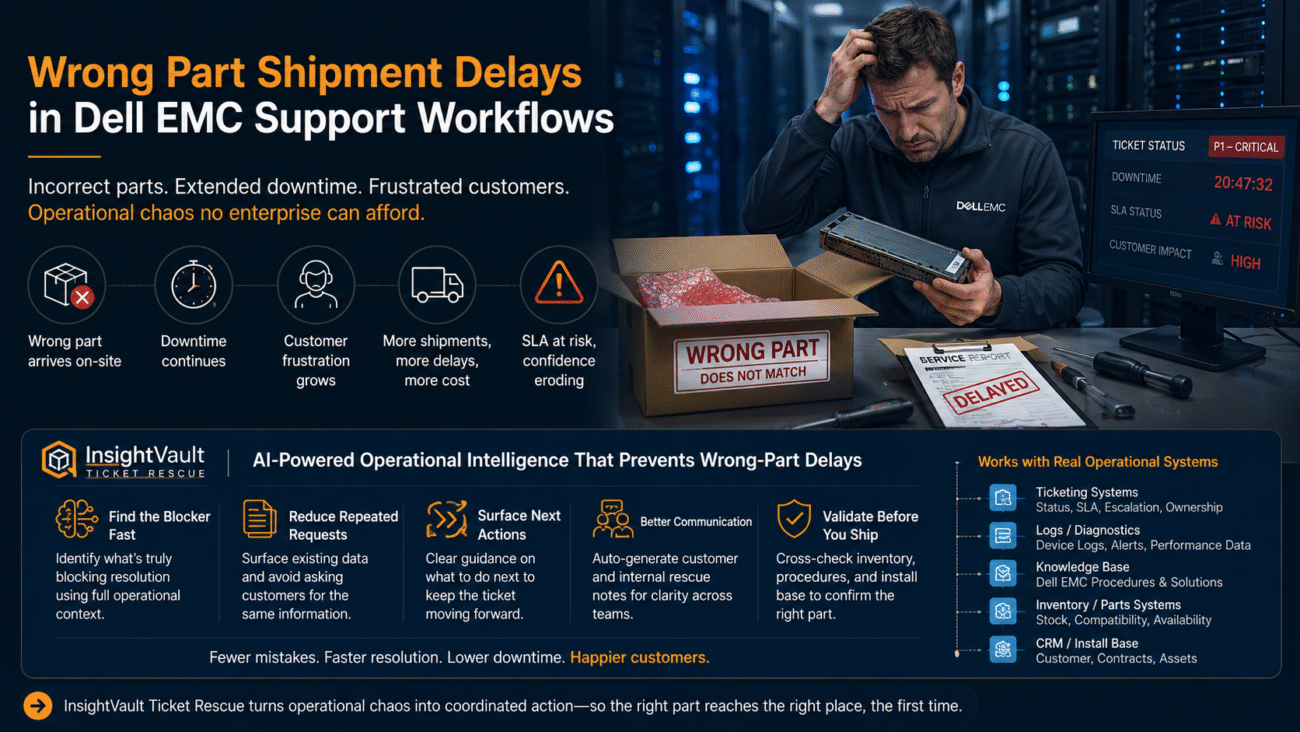
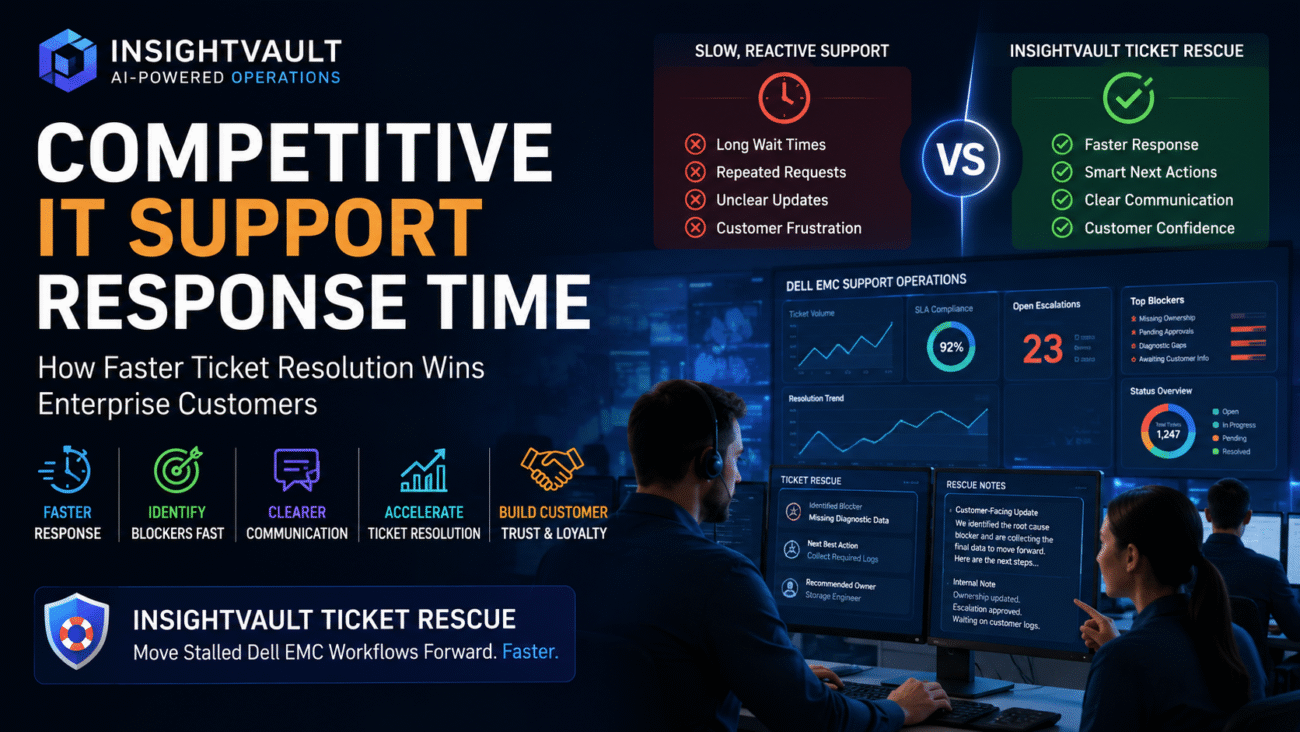
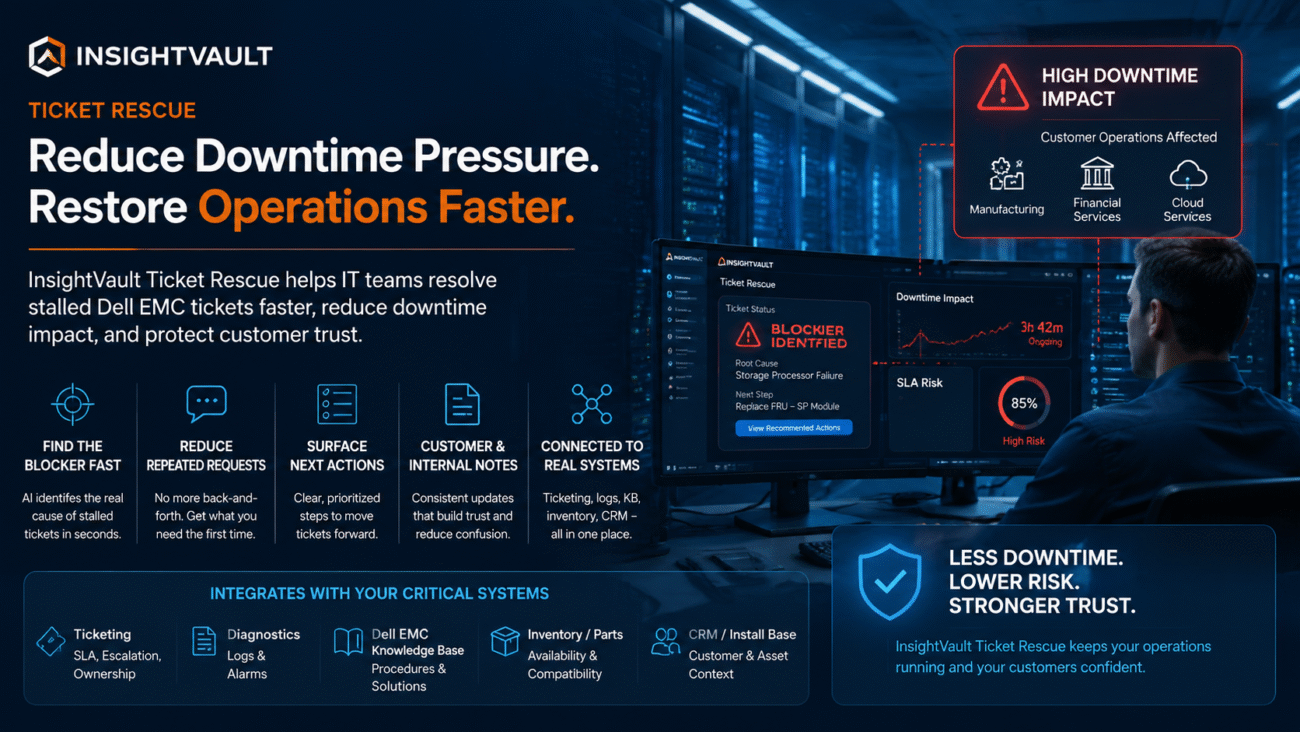
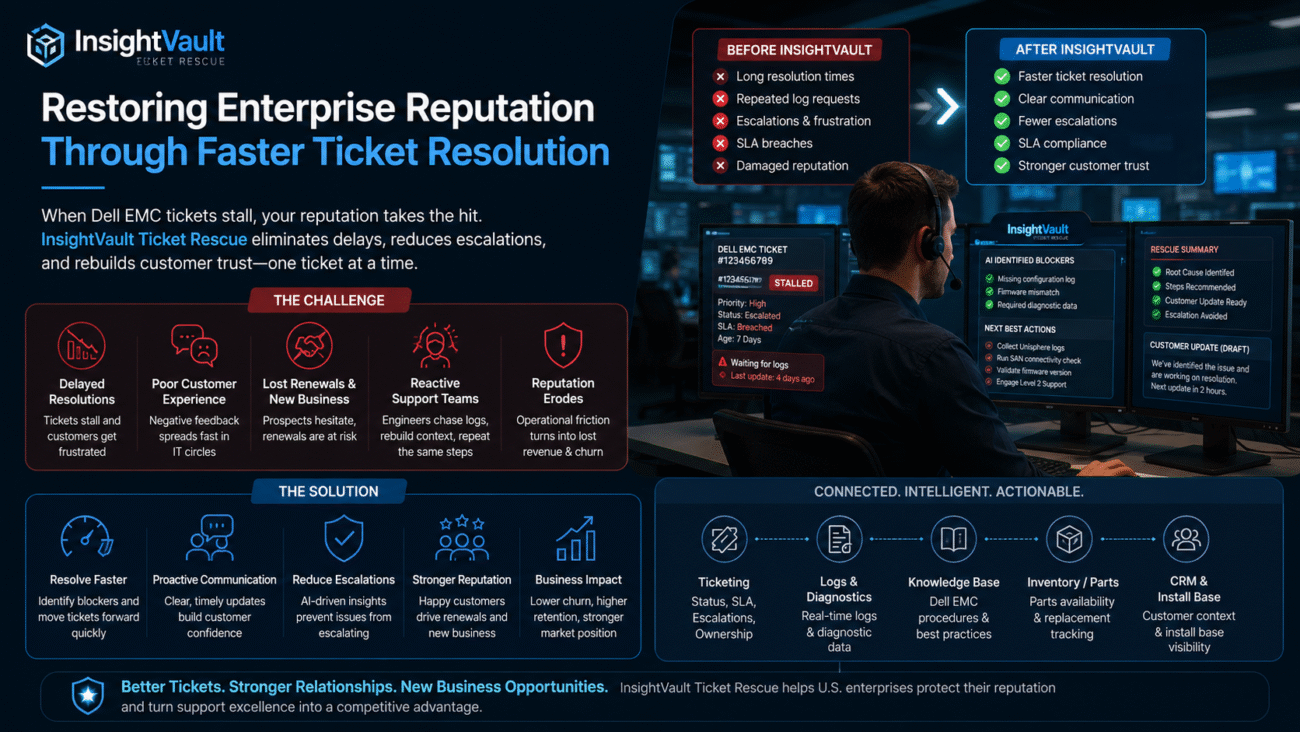
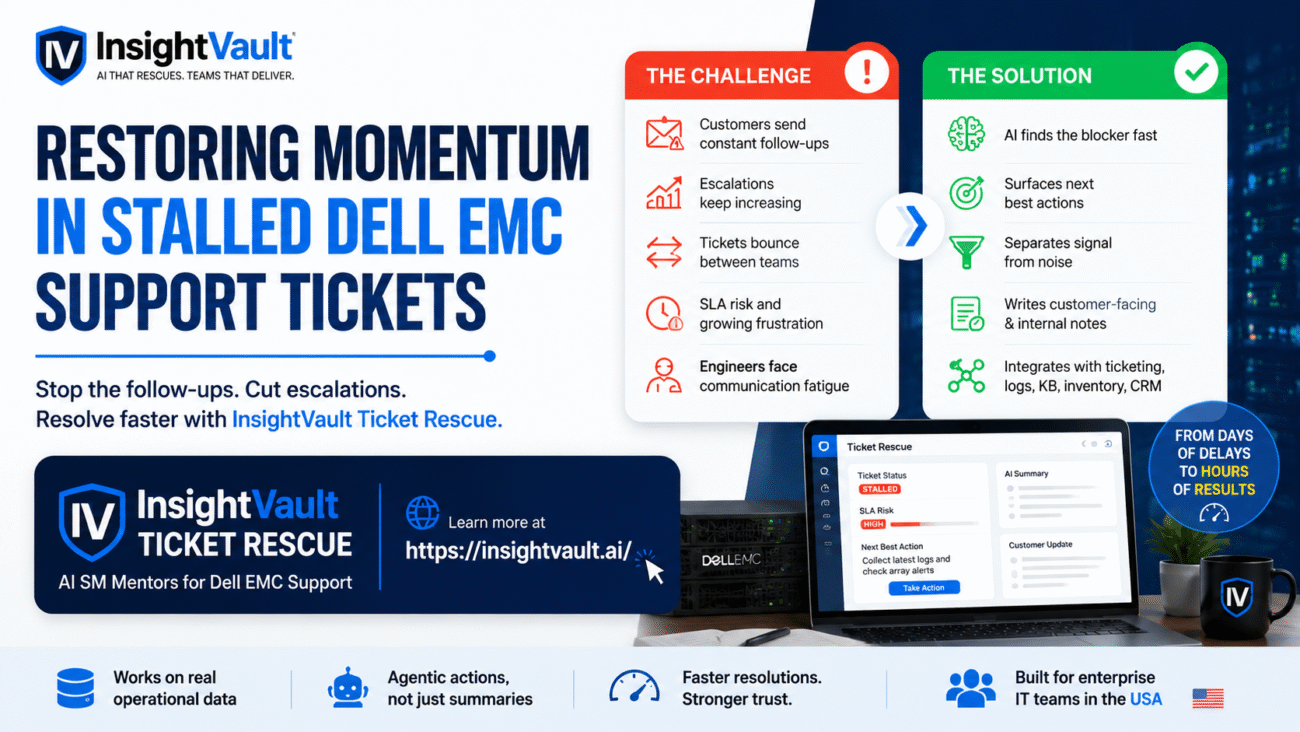
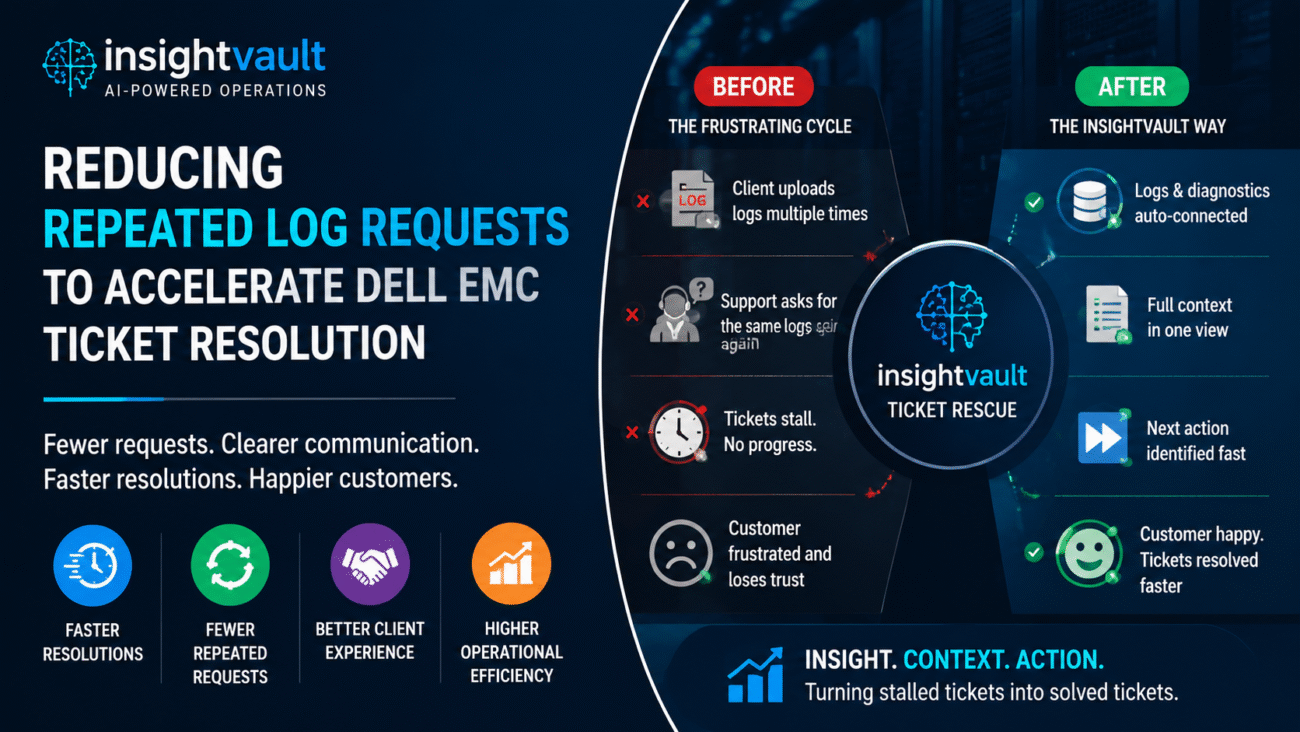
InsightVault Ticket Rescue goes further. It finds the blocker fast. It reduces repeated requests by identifying what has already been collected and what is still missing. It pushes the team toward the next useful action instead of producing another passive summary. It separates signal from noise inside long ticket histories, support notes, logs, and escalations. It also writes both customer-facing updates and internal notes, so the case moves forward without forcing engineers to rewrite the same story for different audiences. Most importantly, it is designed around stalled Dell EMC workflows, where delays often come from missing context, unclear ownership, or incomplete escalation steps.
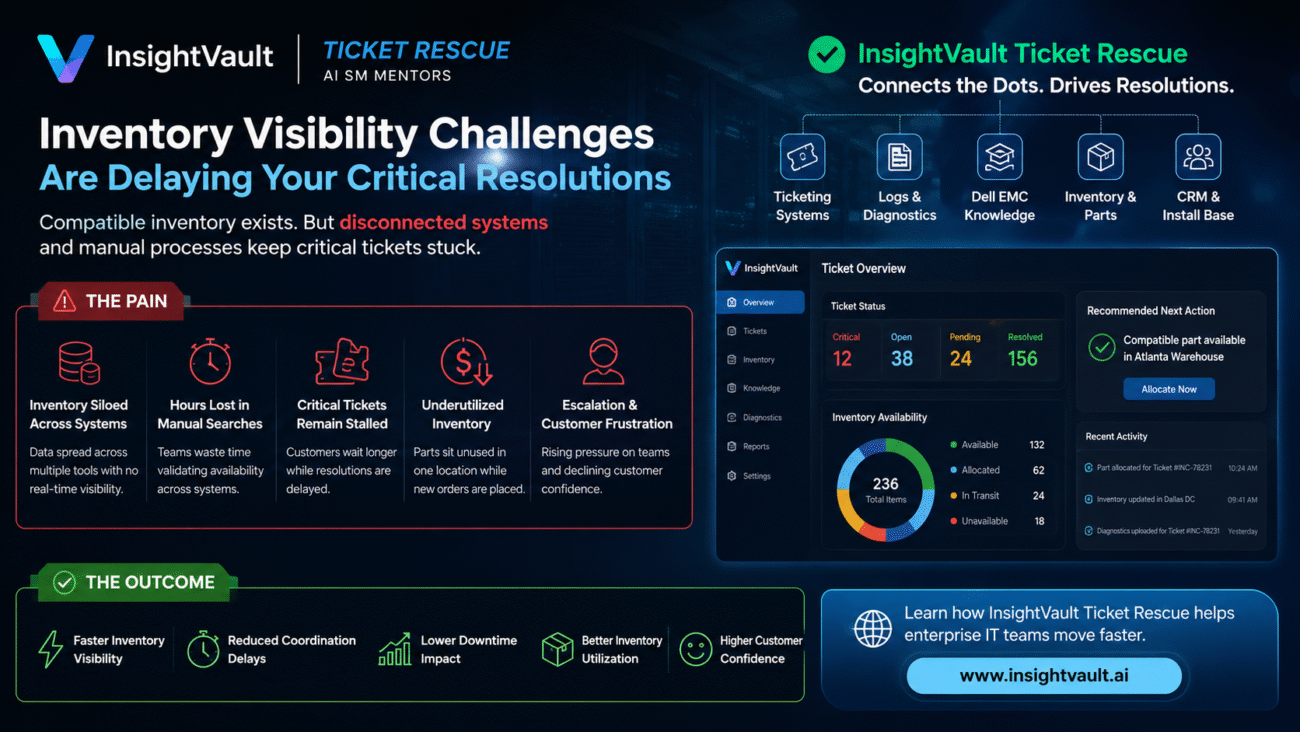
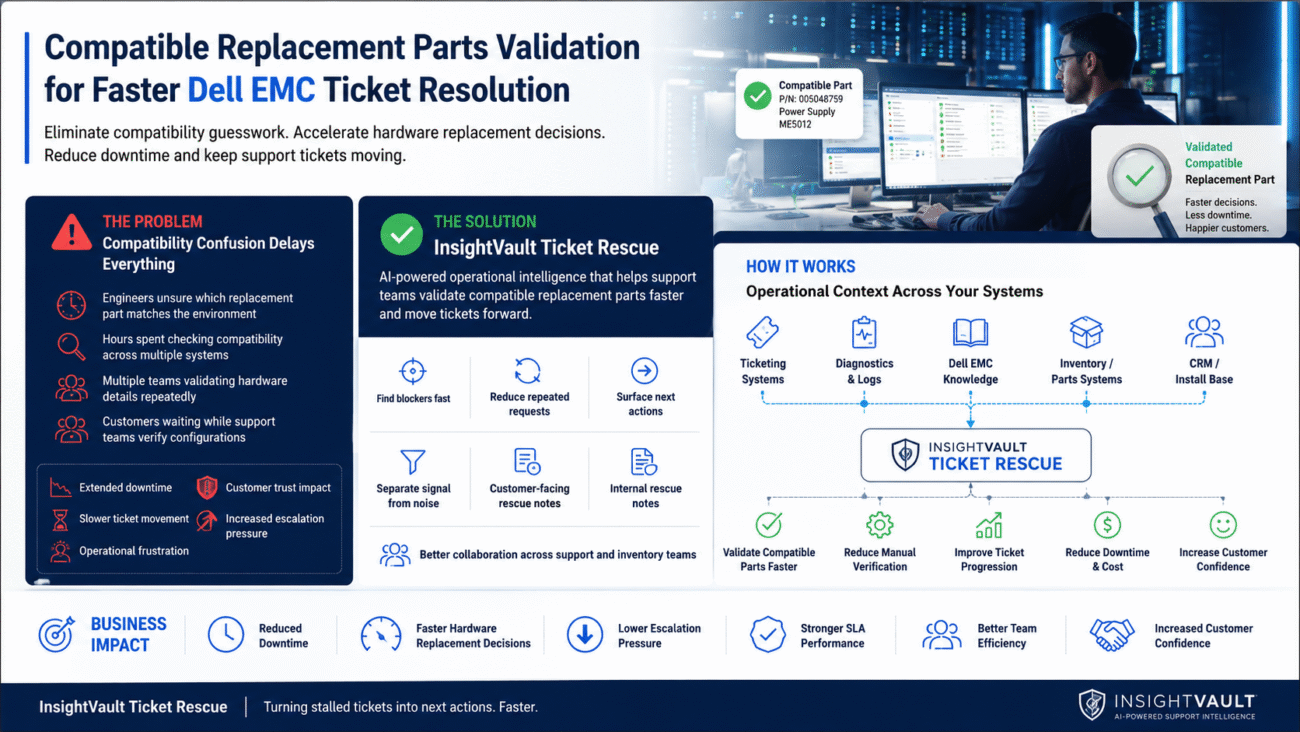
Its value comes from agentic action on real system data. InsightVault connects directly with the ticketing system to understand status, SLA exposure, escalation level, and ownership. It works with logs and diagnostics systems to pull technical evidence into the flow. It checks the knowledge base for Dell EMC procedures and known handling patterns. It can reference inventory and parts systems to surface hardware and replacement context. It can also use CRM and install base data to understand the customer environment and support history.
That means InsightVault is working from real operational data, not just chat context. It is not waiting for someone to manually paste details into a prompt. It can help drive decisions and actions based on what is actually happening in the case. For teams dealing with storage incidents, support delays, and escalation bottlenecks, that turns Ticket Rescue into operational intelligence, not just another writing assistant.