Compatible Replacement Parts Validation for Dell EMC Support Tickets

In enterprise storage environments, compatible replacement parts validation can become a major obstacle during critical incidents. A failed controller, drive, power supply, or storage component often requires immediate replacement, yet identifying the correct part is not always straightforward. Support engineers must verify hardware generations, firmware levels, installed configurations, service history, and inventory records before a replacement can be approved.
When compatibility verification takes hours—or even days—customers continue experiencing downtime while support teams coordinate across multiple systems and departments. The challenge is not finding information. The challenge is finding the right information quickly enough to move the ticket forward.
For organizations supporting Dell EMC environments, faster compatible replacement parts validation directly impacts ticket resolution speed, customer trust, and operational efficiency.
The Challenge of Compatible Replacement Parts Validation
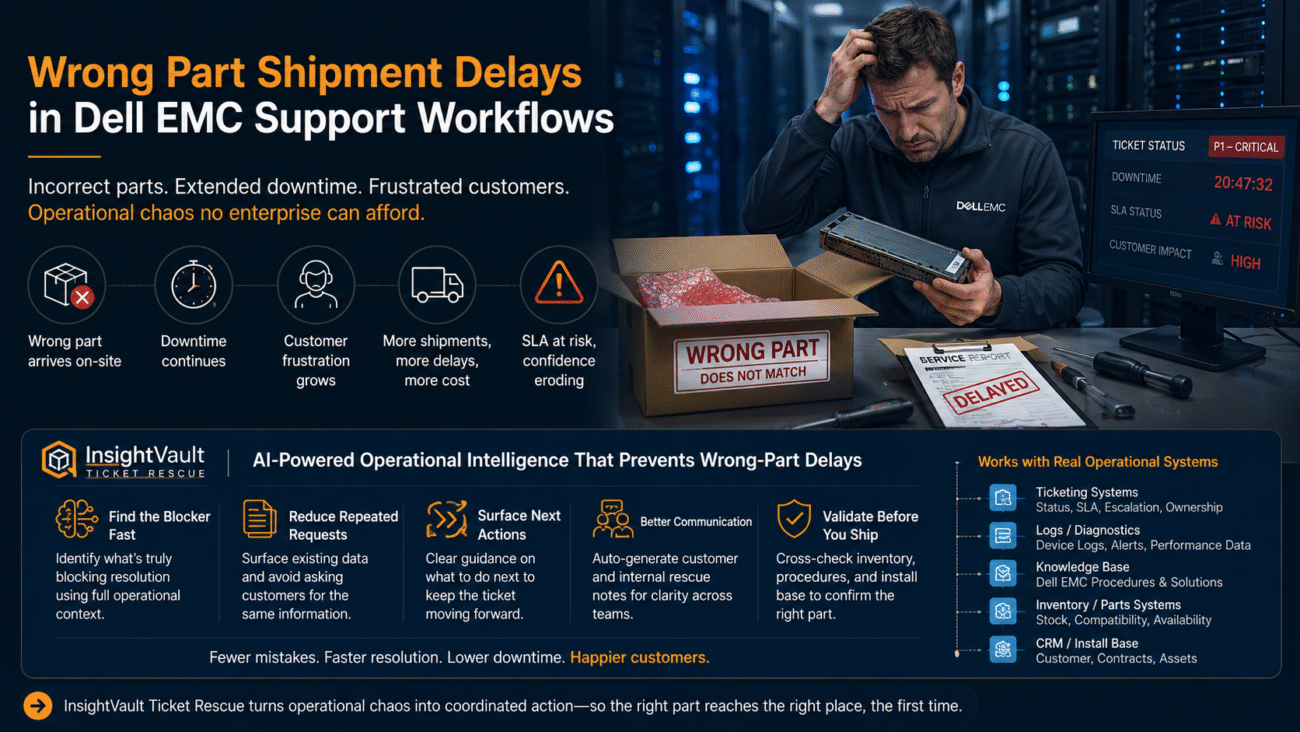
A storage system fails unexpectedly during business hours.
The customer expects immediate action.
Diagnostics indicate a hardware component needs replacement.
At first, the process appears simple.
Then the questions begin.
Which part is currently installed?
Which hardware revision is supported?
Are there firmware dependencies?
Has the system been upgraded previously?
Is the replacement part compatible with the customer’s exact configuration?
Support engineers start checking ticket history. Inventory teams review available stock. Technical specialists verify hardware compatibility. Multiple groups become involved in the same validation process.
Meanwhile, the customer is waiting.
The incident remains open.
Escalation pressure increases.
Communication becomes more frequent.
What initially looked like a straightforward replacement turns into a lengthy validation exercise.
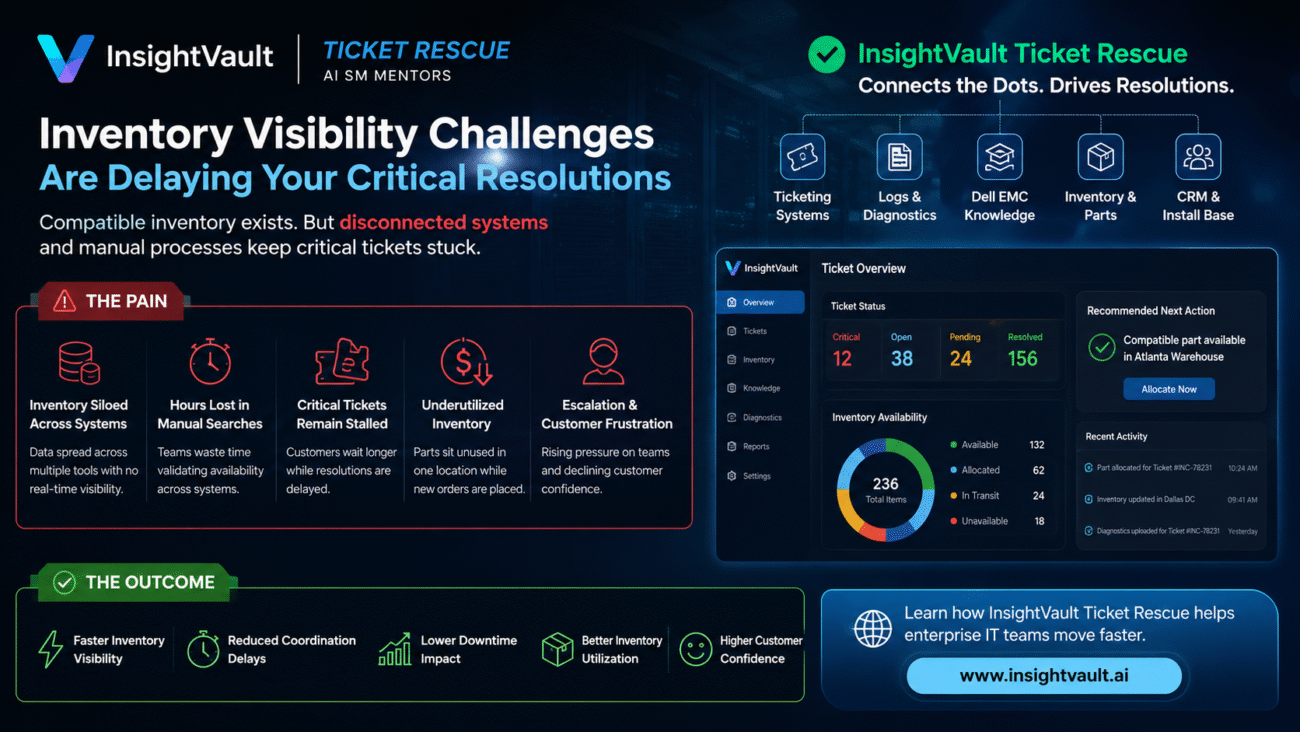
This situation occurs frequently in large enterprise environments because operational data is often spread across multiple systems.
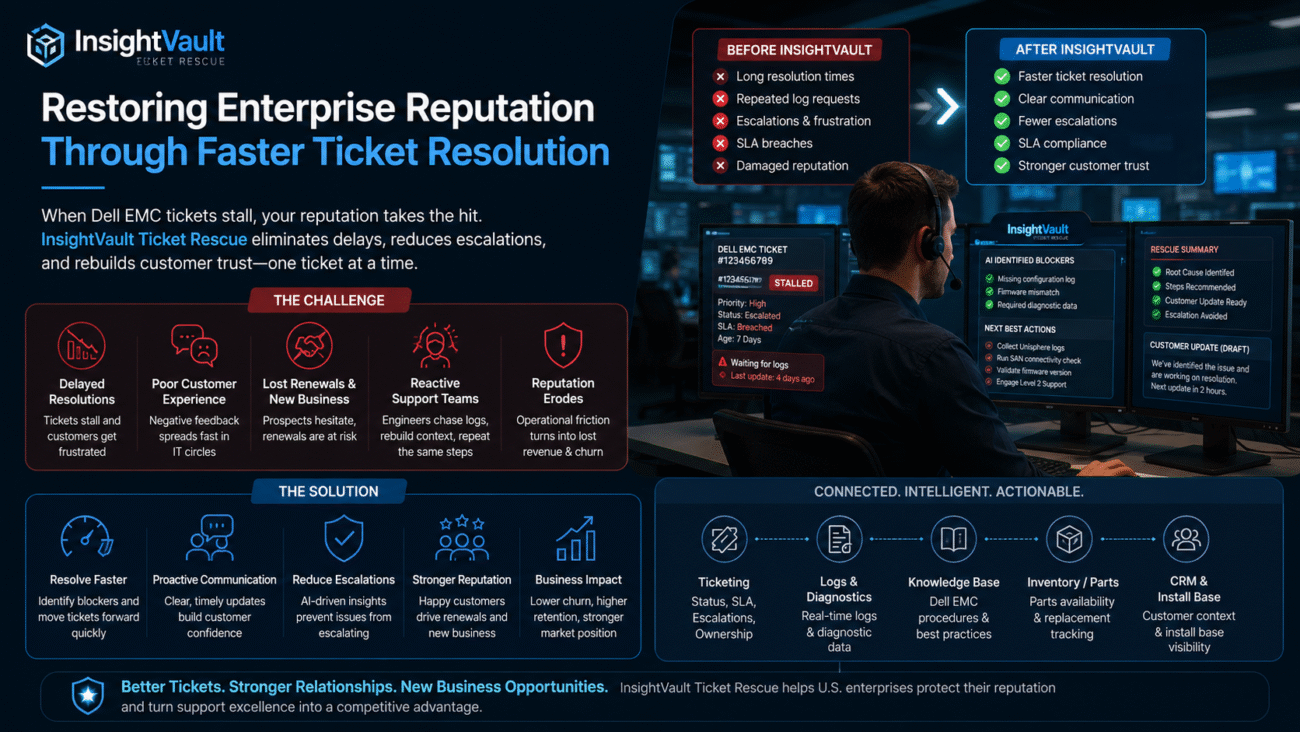
Support teams may need to review:
- Ticket history
- Diagnostic logs
- Dell EMC procedures
- Install-base records
- Inventory databases
- CRM systems
- Escalation notes
Each team sees part of the picture.
No single source provides complete operational context.
As a result, compatibility validation becomes a manual effort involving repeated questions, repeated checks, and repeated coordination.
The longer the process takes, the greater the impact.
Downtime extends.
Support costs increase.
Customers lose confidence.
Leadership requests updates.
Escalations become more urgent.
Eventually the issue is no longer just a hardware problem. It becomes an operational problem.
Why Standard GPT Tools Are Not Enough
Many organizations are exploring AI tools to improve support operations.
A standard GPT solution can summarize ticket conversations.
It can organize notes.
It can explain technical concepts.
However, hardware compatibility decisions require more than summaries.
Support teams need operational intelligence.
They need to know:
- Which information matters
- Which information is missing
- Which systems contain the required data
- What action should happen next
A GPT summary does not validate replacement compatibility.
A GPT summary does not identify workflow blockers.
A GPT summary does not coordinate inventory, diagnostics, and support records.
This is where operational support workflows often stall.
The Solution: Faster Compatible Replacement Parts Validation with InsightVault Ticket Rescue
InsightVault Ticket Rescue is designed specifically for stalled enterprise support workflows.
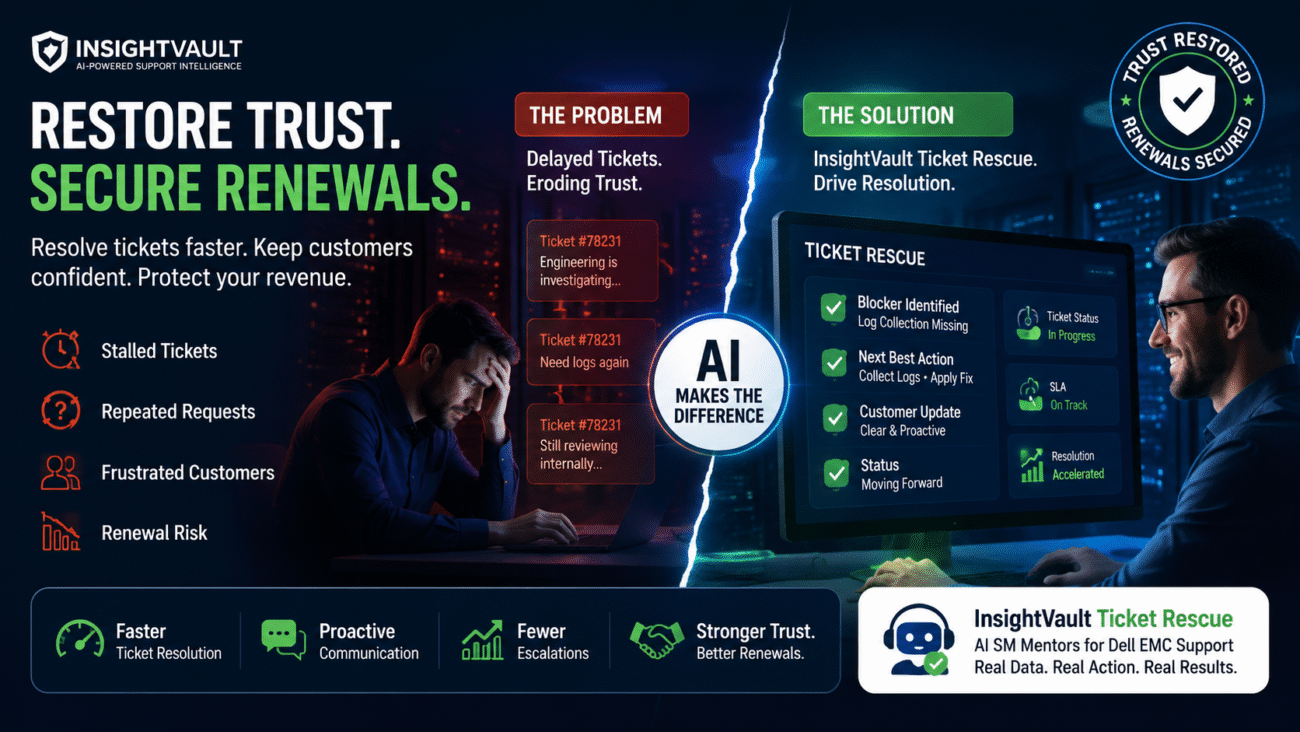
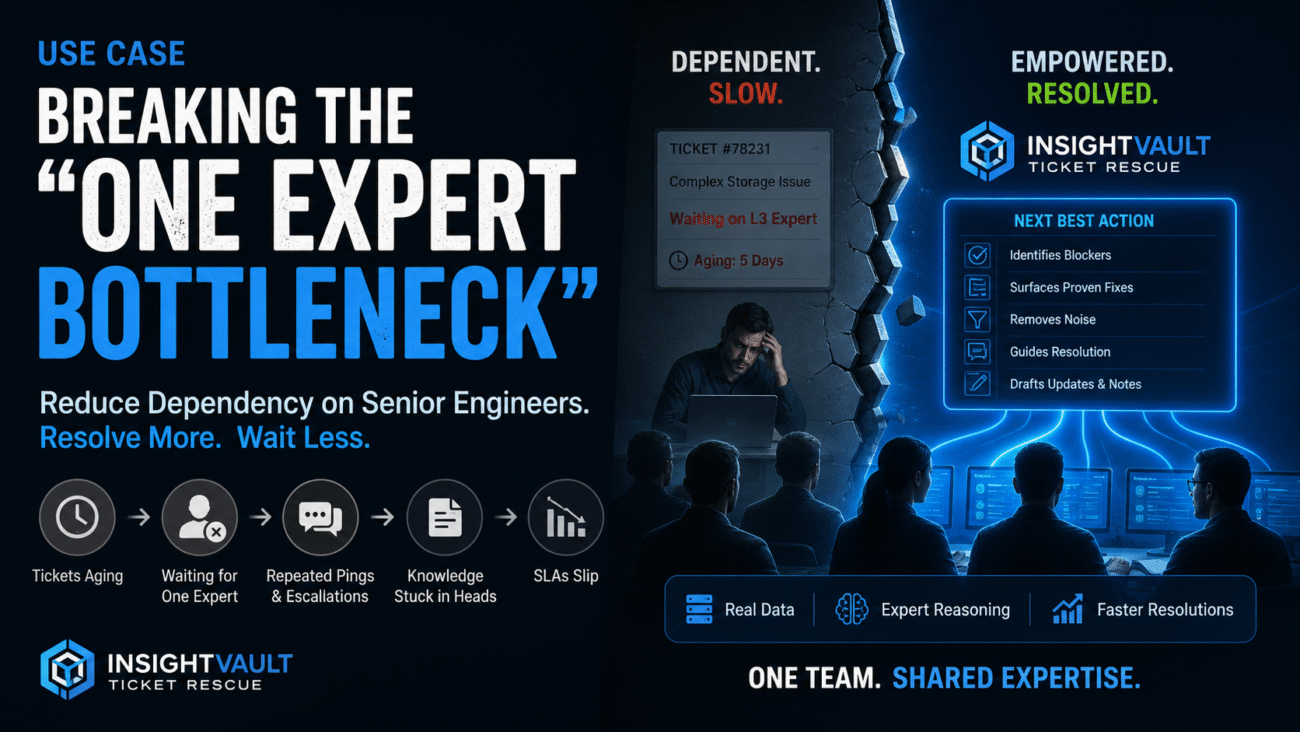
Instead of simply summarizing information, it helps support organizations identify the operational blockers preventing ticket progress.
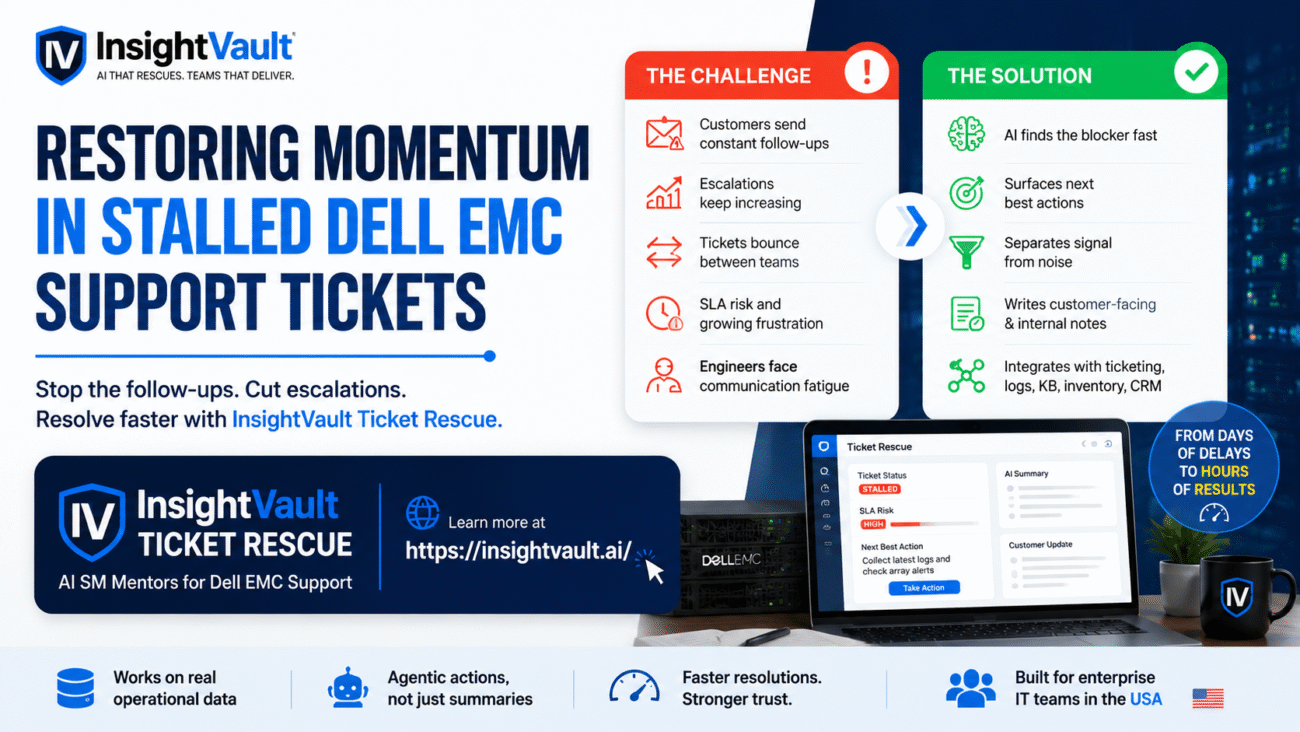
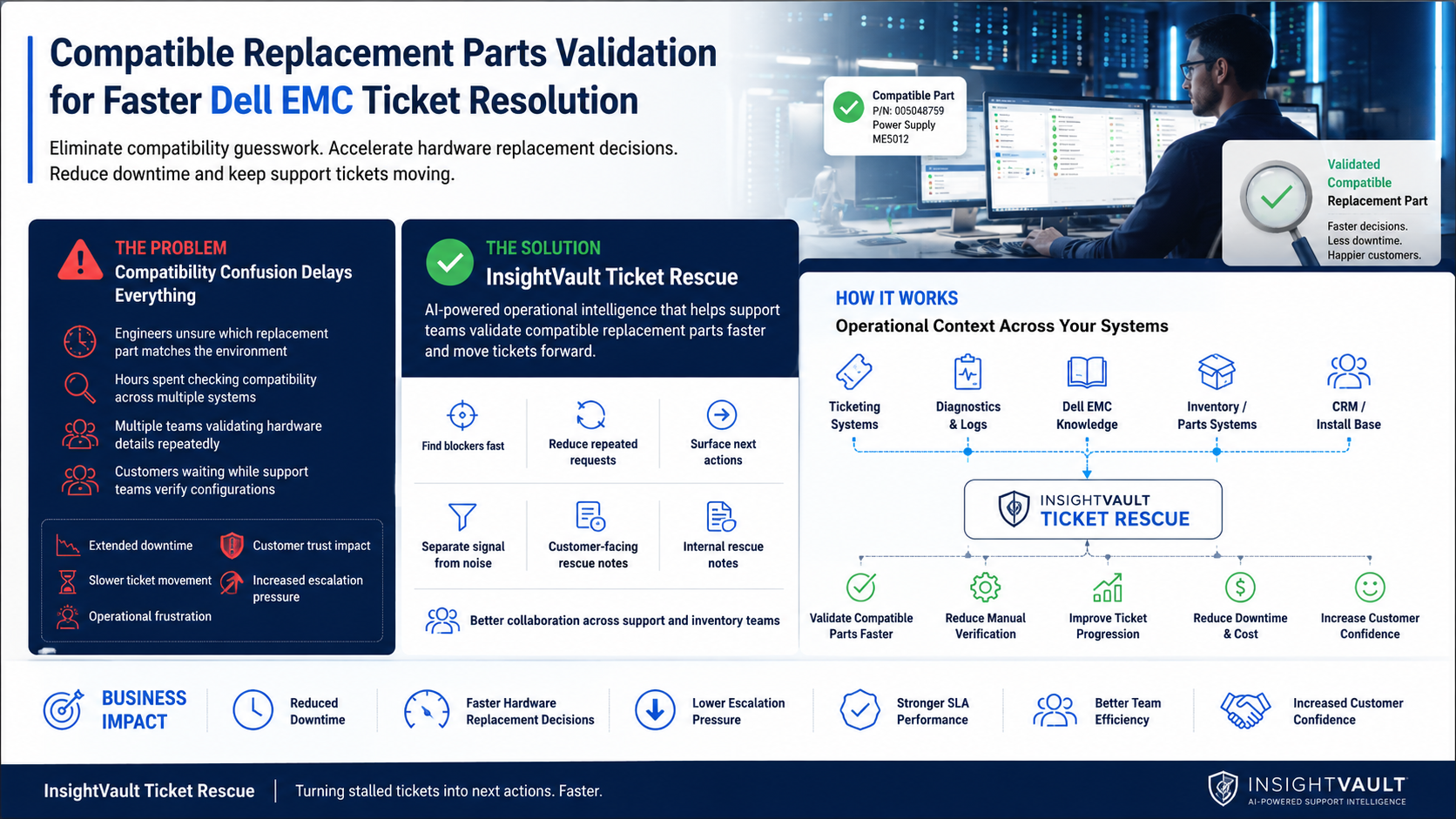
When hardware compatibility verification slows resolution, InsightVault helps teams:
- Identify blockers faster
- Reduce repeated requests
- Separate signal from noise
- Surface next actions
- Generate customer-facing rescue notes
- Generate internal rescue notes
- Improve collaboration across support teams
The result is faster decision-making and faster ticket movement.
Rather than waiting for multiple teams to manually assemble context, support organizations gain a clearer view of the information needed to validate compatible replacement parts.
This reduces delays and improves confidence throughout the support process.
How It’s Done in InsightVault
Operational Context Across Systems
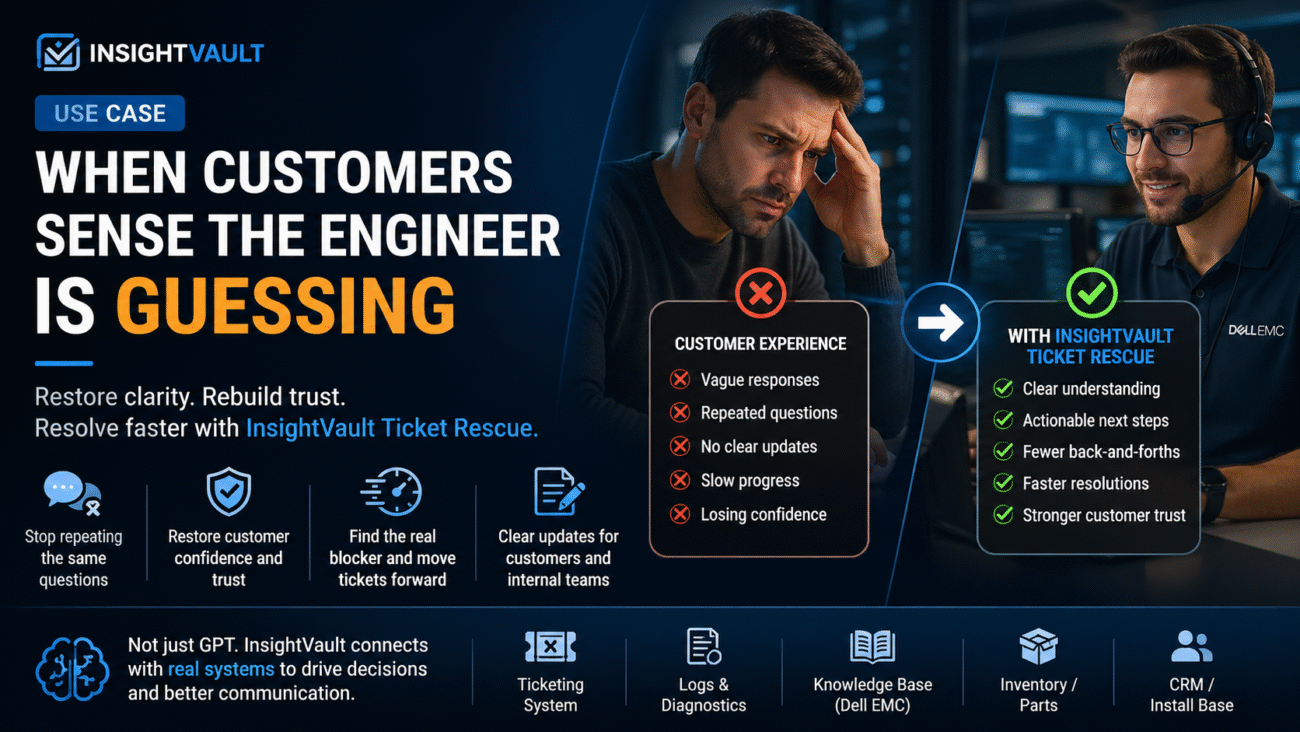
InsightVault connects with operational systems that teams already use.
These include:
- Ticketing systems (status, SLA, ownership, escalations)
- Diagnostic and log systems
- Dell EMC knowledge resources and procedures
- Inventory and parts management systems
- CRM and install-base records
Because the platform works with real operational data, teams gain visibility into information that would otherwise require multiple manual lookups.
This helps accelerate compatible replacement parts validation and reduces coordination delays.
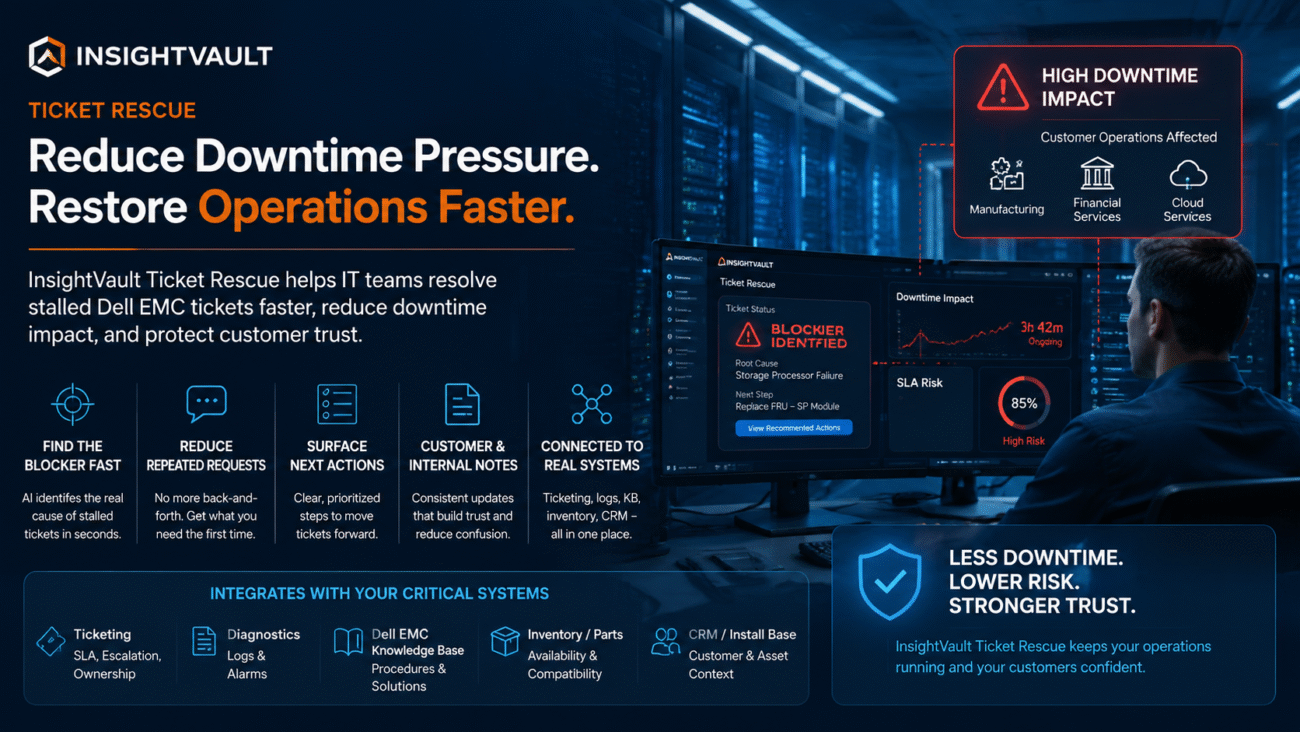
Identifying the Real Blocker
Support tickets often appear stalled for technical reasons.
In reality, the blocker may be operational.
A compatibility question remains unanswered.
Inventory data is incomplete.
A hardware revision requires validation.
A previous upgrade changed the supported configuration.
InsightVault highlights these blockers quickly so teams can focus on resolution rather than investigation.
Reducing Repeated Requests
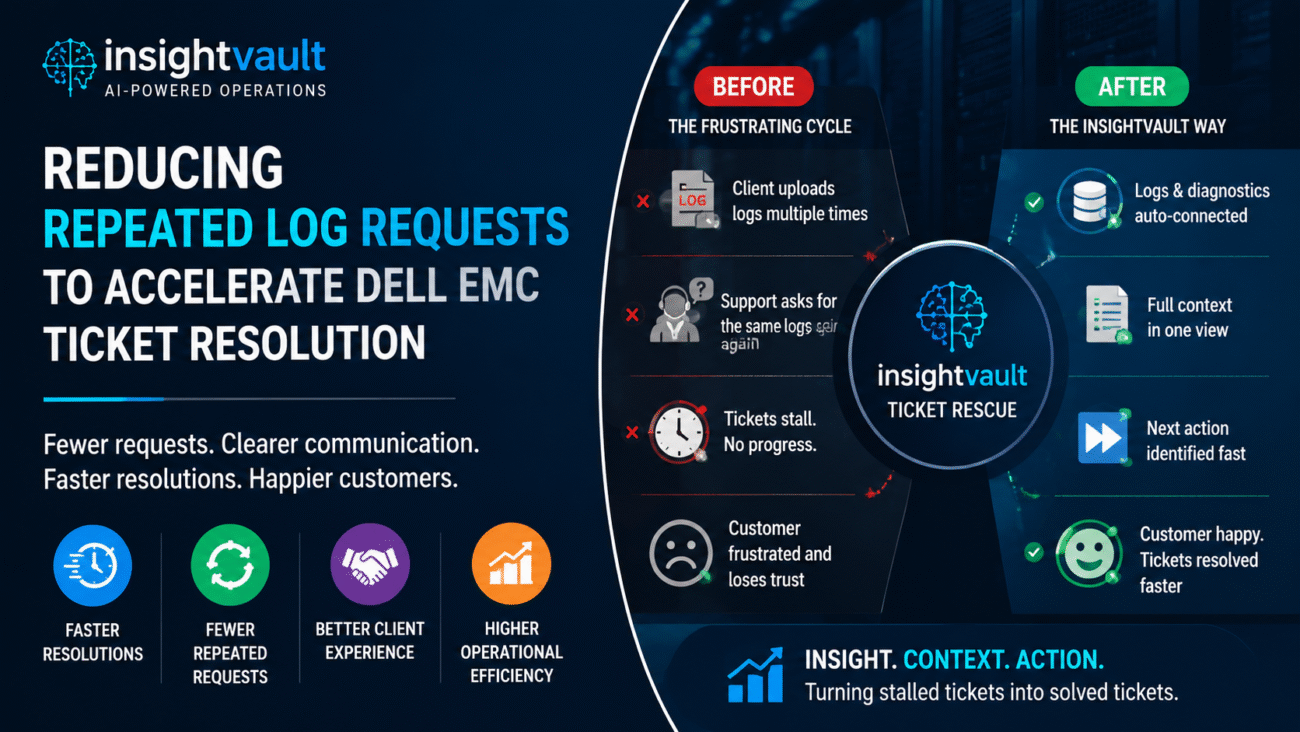
One of the most frustrating aspects of enterprise support is repeating the same validation requests.
Customers are asked for information that already exists.
Support teams repeat checks that have already been performed.
Inventory groups review the same records multiple times.
InsightVault helps reduce unnecessary repetition by providing a consolidated operational view.
This saves time for both support teams and customers.
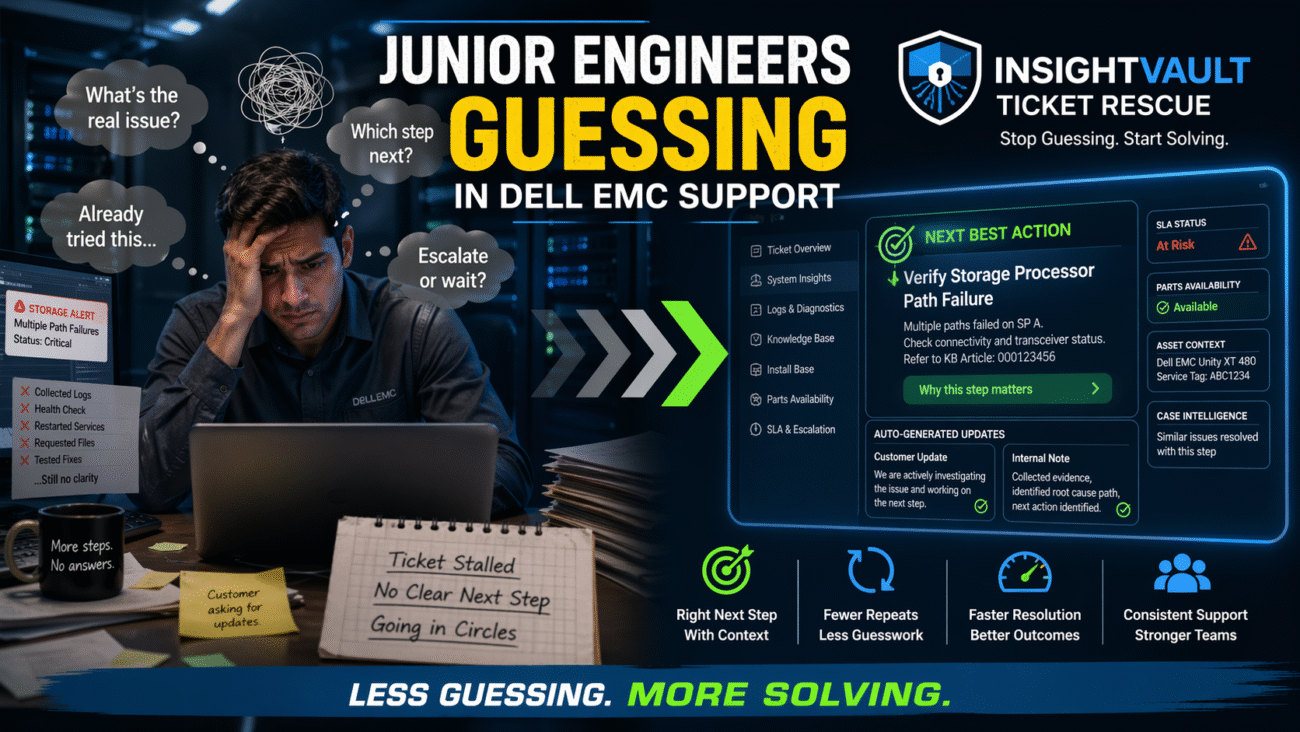
Surfacing Next Actions
Instead of producing another summary, InsightVault focuses on progress.
The platform helps identify:
- Missing compatibility information
- Required validation steps
- Potential escalation paths
- Recommended next actions
This keeps tickets moving and reduces idle time.
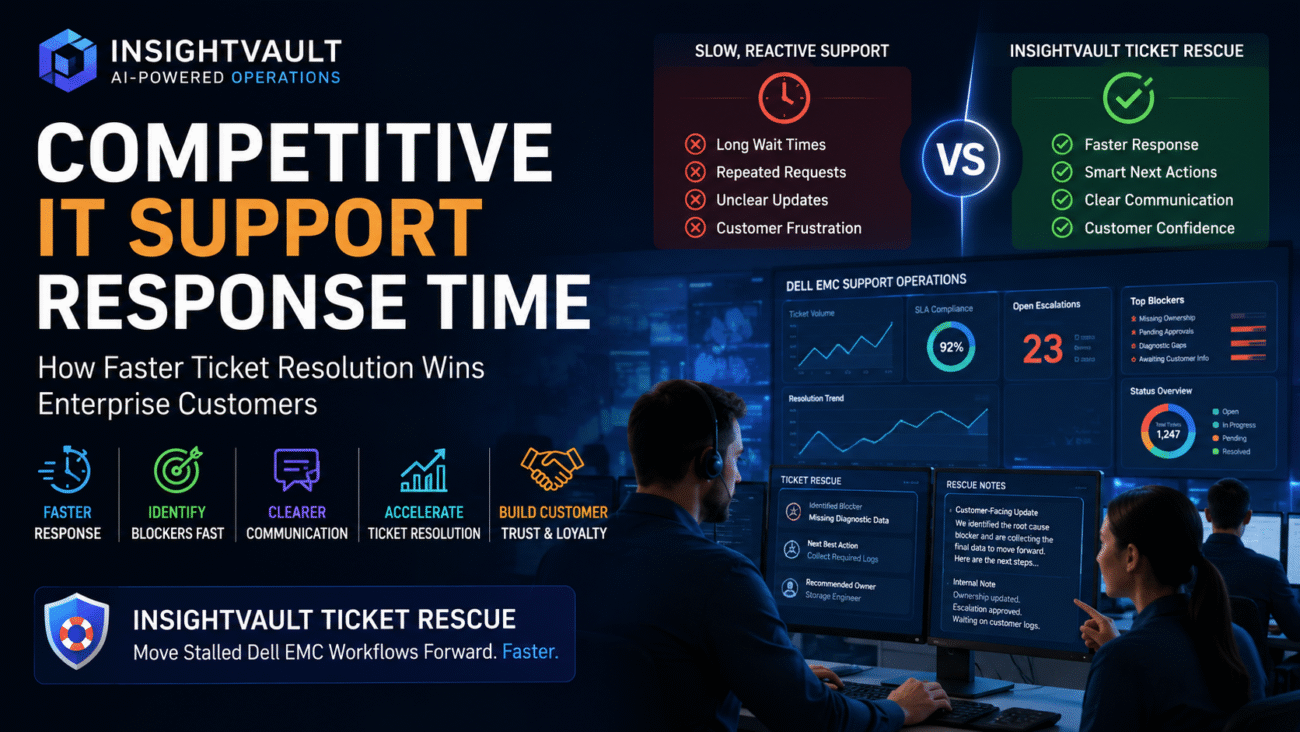
Improving Communication
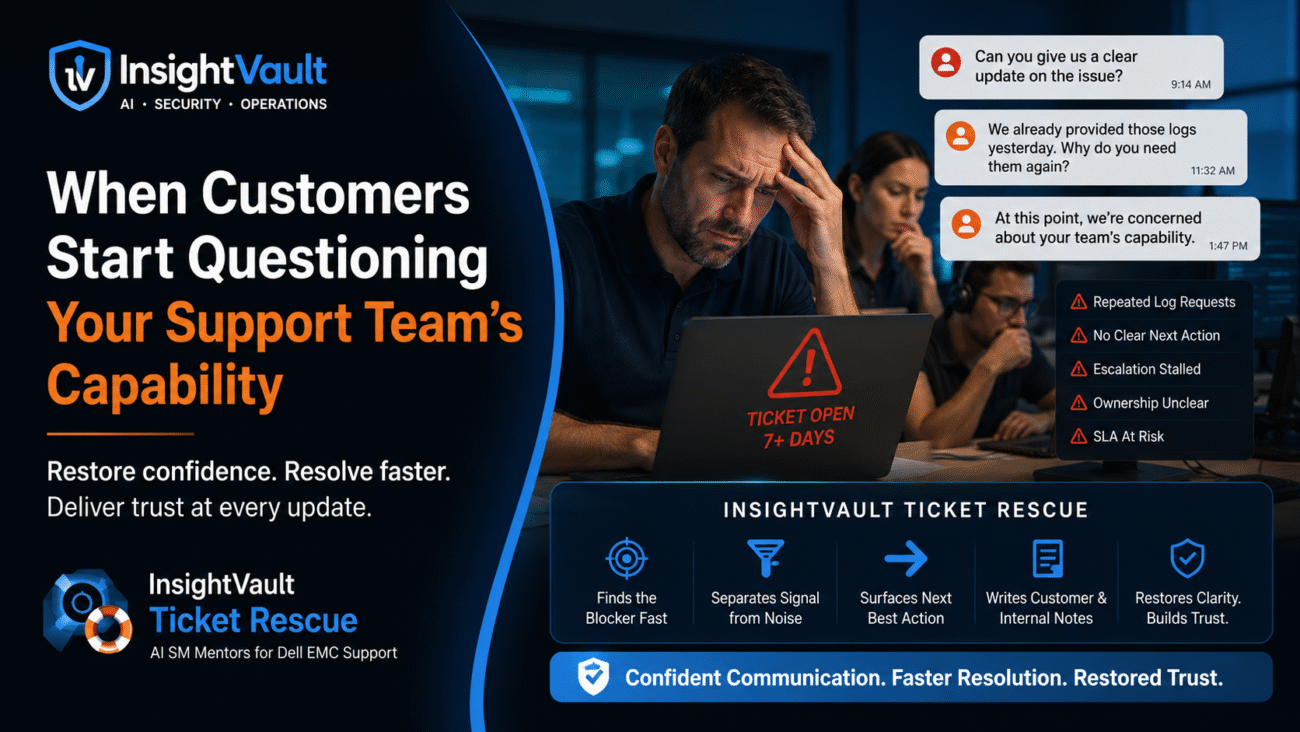
Customers become frustrated when updates sound repetitive.
“We are still checking.”
“We are validating internally.”
“We are reviewing compatibility.”
These updates do not build confidence.
InsightVault generates both customer-facing and internal rescue notes that provide clearer communication and better operational alignment.
Teams can explain progress more effectively while maintaining transparency throughout the incident lifecycle.
Business Impact
Organizations that improve compatible replacement parts validation can achieve significant operational benefits.
These include:
- Reduced downtime
- Faster hardware replacement decisions
- Improved ticket progression
- Lower escalation pressure
- Better coordination between support and inventory teams
- Increased customer confidence
- Stronger SLA performance
Most importantly, support teams spend less time searching for information and more time resolving issues.